Having Trouble with KausmediPen Corded (Digital Hand R)?

Read our comprehensive Troubleshooting Guide below or submit a Service Request.

Submit Service Request

Troubleshooting Guide

The device won't turn on

Firstly, please check the adaptor pin is fully inserted into the handpiece and try to tun it on.

If the device still does not turn on, take the adaptor pin out of the handpiece and insert it again monitoring whether the screen lights up temporarily when the pin is inserted.

If it doesn't, please try connecting the adaptor to a different power outlet to see if this helps.

If the device still won't turn on or the screen does not light up at all, please fill out the device service request form.

The device turns off mid treatment

Please ensure the adaptor pin is inserted all the way for consistent power supply into the handpiece.

If the issue persists, please try connecting the adaptor to another power outlet to see if this makes any difference.

If you're still experiencing issues, please fill out the device service request form.

The needle cartridge won't fit onto the handpiece or cannot be securedto the device

Please check if the front body of the device where the cartridge connects to is damaged or look into the handpiece to see if the internal part that the cartridge connects to is broken at all.

If so, please fill out the device service request form.

If there are no damages, it may be the cartridge issue. Please try connecting a different cartridge. If the issue persists, please submit the device service request form.

‘E’ appears on the screen

Error code can appear if the needle cartridge is not connected properly or due to a glitch on the program.

Please separate the needle cartridge and the battery from the device. Then connect the battery to the device and turn it on.

If you still get the error code without a needle cartridge connected, please fill out the device service request form.

If the error code does not appear without a needle cartridge connected, turn the device off and connect the same needle cartridge that was connected to the device when the error code first appeared. Turn the device on and if you still get the error code, please turn the device off and connect a brand new needle cartridge. If the issue persists with a brand new needle cartridge, please fill out the device service request form.


‘E’ appears on the screen during treatment

Error code appearing temporarily during treatment signals that too much downward pressure is applied and the needles are not able to retract properly. Please do not press the pen into the skin while also moving it across the skin.

The needle depth adjustment ring is stuck

The ring can jam if it is forced to turn past its range. Please try turning it in the opposite direction to the direction you have been turning. Latex gloves can provide additional grip needed to turn the ring. If the issue persists, fill out the device service request form.
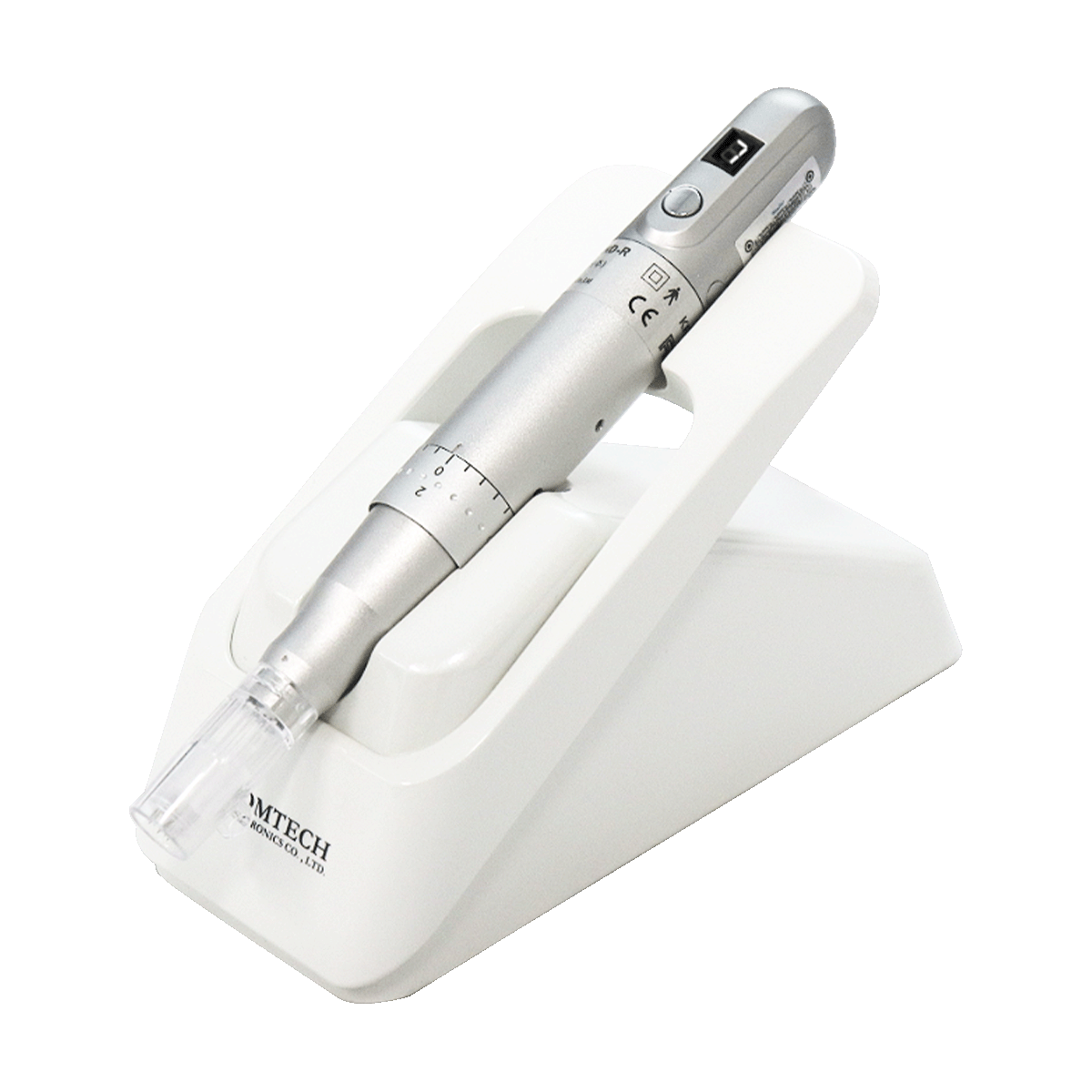
In a clinic where multiple therapists use the device, please ensure the needle length adjustment ring is set back to 0 after each use to prevent confusion on which direction the ring should be turned.

Still having trouble?

Submit Service Request